Backup & restore
Settings → Data shows the storage GameLodge uses, cleans up, and saves and restores your setup.
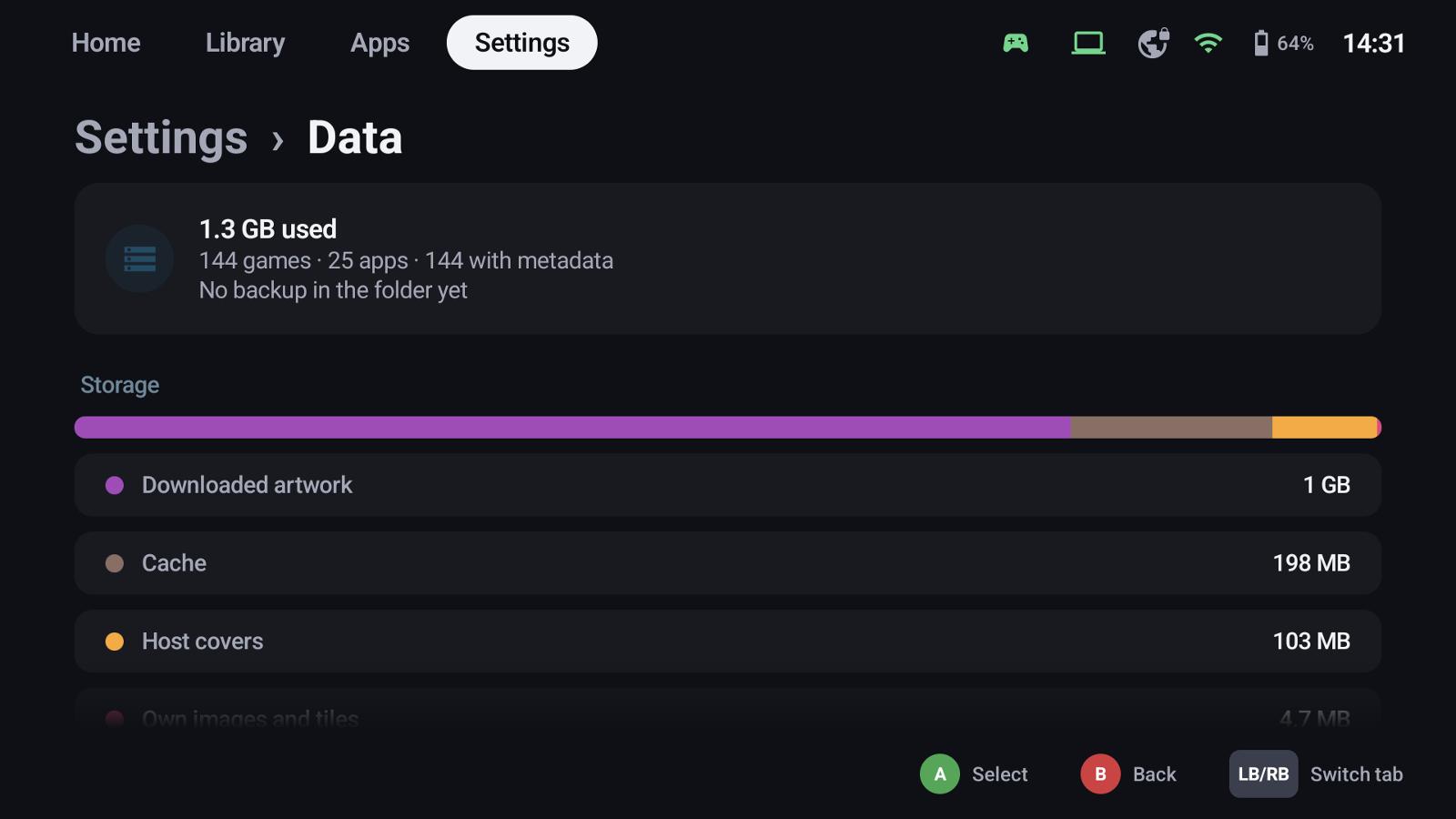
Storage and clean-up
The bar shows downloaded artwork, cache, host covers, your own images, the library database and settings.
- Clear cache – images and server answers, filled again when needed
- Delete unused data – games kept from removed hosts and images nothing uses (hold)
- Download artwork again – deletes the stored artwork; it downloads again in the background (hold)
What a backup contains
Settings, stream profiles, favourites, ratings, play time, filters and groups, metadata corrections, Home Assistant tiles and host settings. Your own images are always included.
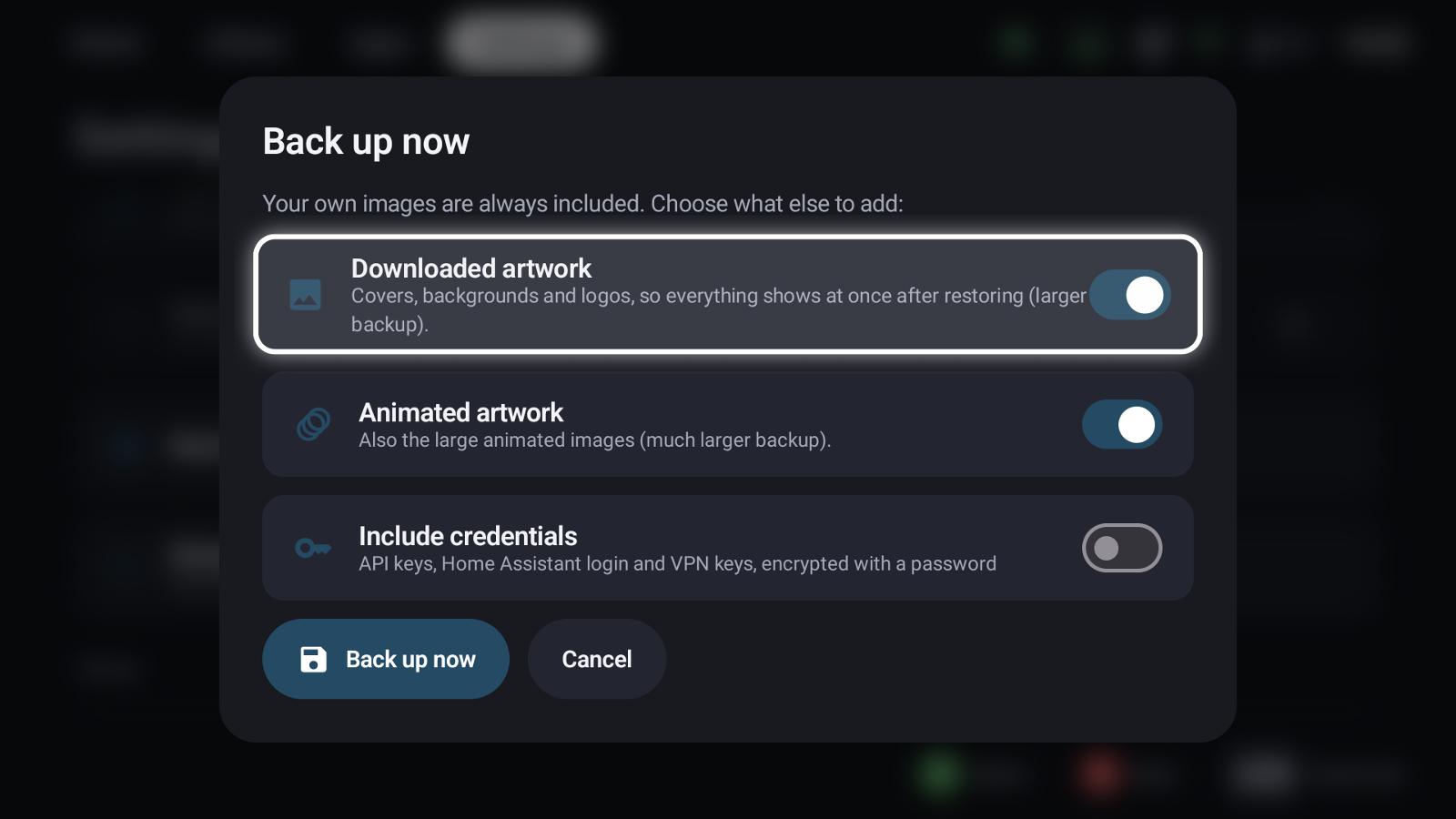
- Downloaded artwork – everything shows at once after restoring (larger backup)
- Animated artwork – also the large animated images (much larger)
- Include credentials – API keys, the Home Assistant login and VPN keys, encrypted with a password you enter twice
Pairings are never part of a backup
The keys that pair a device with your hosts live in the device's secure storage and can't be exported: a file with them would let anyone act as your device. Pair the new device instead – the setup wizard does that before it restores.
Backing up
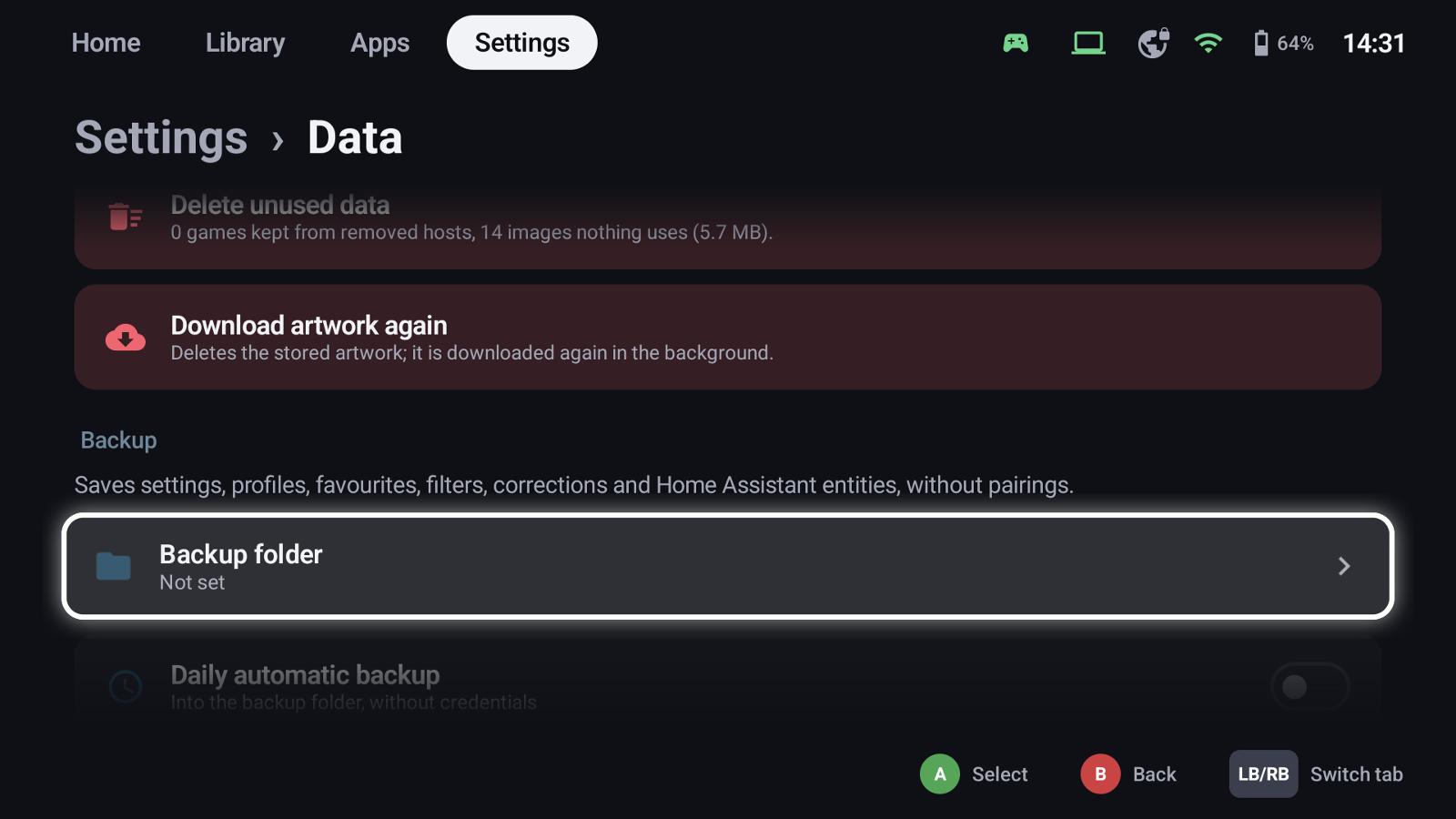
- Backup folder – where backups go; without one, Back up now asks where to save.
- Daily automatic backup – into the backup folder (without credentials), keeping the newest 3, 7, 14 or 30.
- Back up now – with the choices above.
Backups run in the background with their progress (in percent) on the Data page and in the task list, and can be cancelled there. Only one backup or restore runs at a time; a cancelled backup leaves no file behind.
Restoring
Pair your hosts first, so favourites and play time find their games. Then Restore and pick the backup:
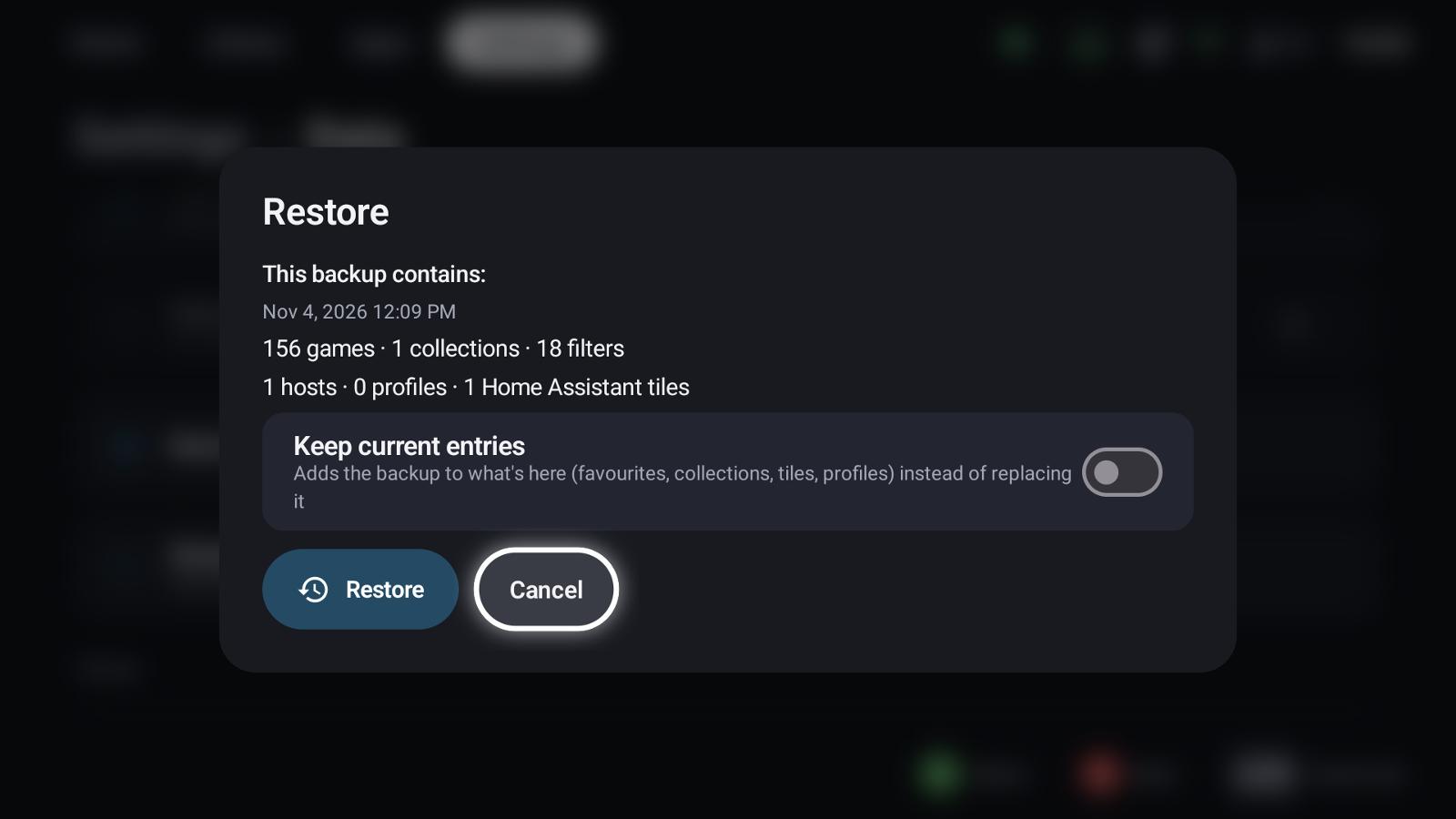
The dialog shows what the backup contains and asks for the password if it has credentials.
- By default the backup replaces the current state: tiles, groups, profiles and host settings that aren't in the backup are removed, favourites and ratings of other games reset.
- Keep current entries adds the backup to what's there instead.
Either way, play time keeps the higher value (it's measured, the host has it too), and credentials that aren't in the backup stay. The restore can be cancelled while it still unpacks images; once it writes the library it finishes.
Moving to a new device
Back up on the old device, then choose Restore a backup on the first page of the setup wizard on the new one: it pairs your hosts first and then restores.
See also
- Setup wizard – restoring a backup on a new device
- Hosts & pairing – pairing again after a restore
- Metadata & artwork