Mouse emulation
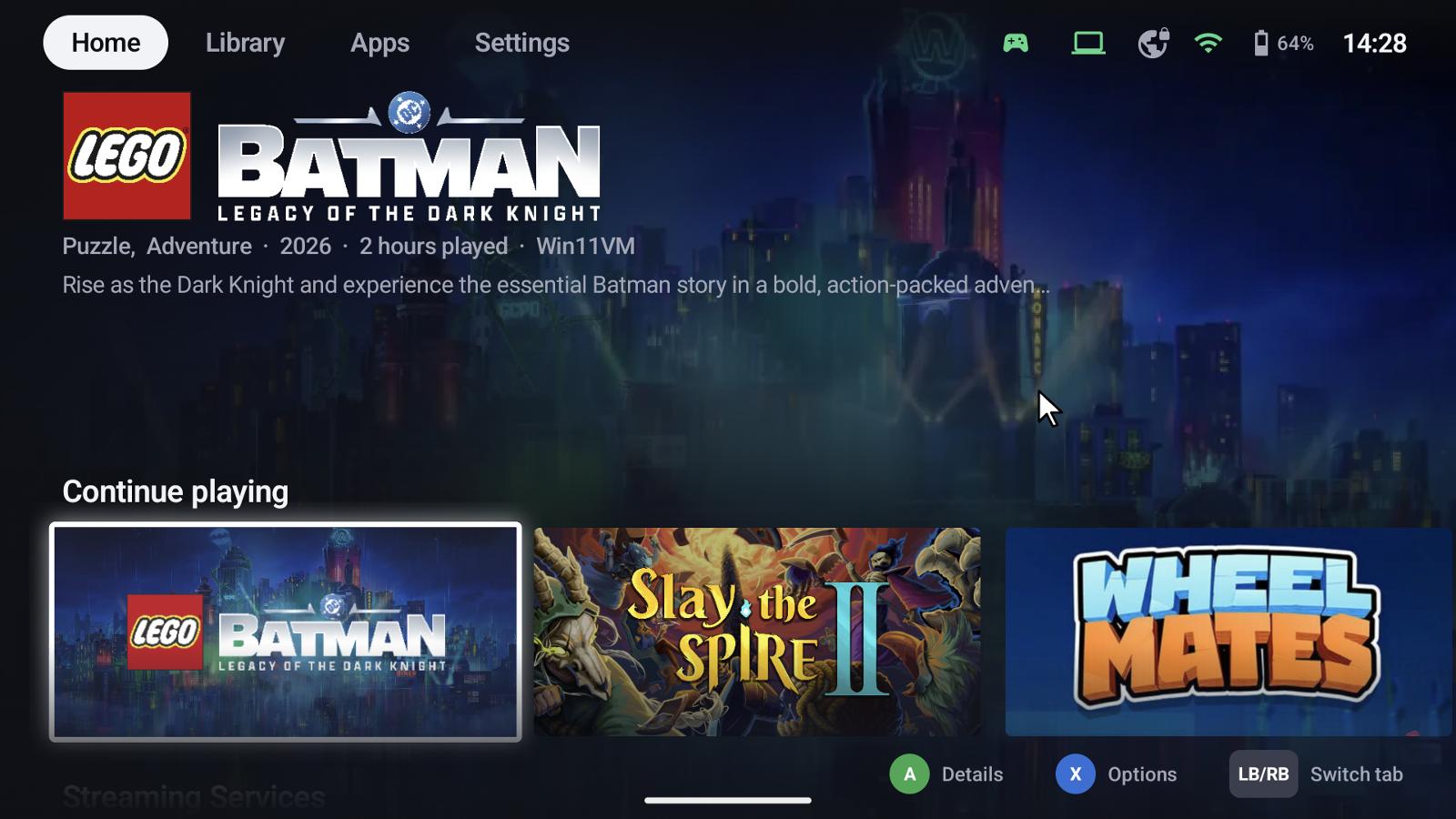
Some games, launchers and Windows dialogs need a mouse. With mouse emulation the controller moves a pointer – GameLodge's own on the device, the host's mouse in a stream.
On and off
Hold Select (default, see shortcuts) to switch it on, hold it again to switch it off. It's also in the quick menu's stream controls.
| Input | Action |
|---|---|
| Left stick | Move the pointer |
| Right stick | Scroll |
| A | Left click |
| B | Right click |
| X | Middle click |
| LB / RB | Back / forward |
Speed
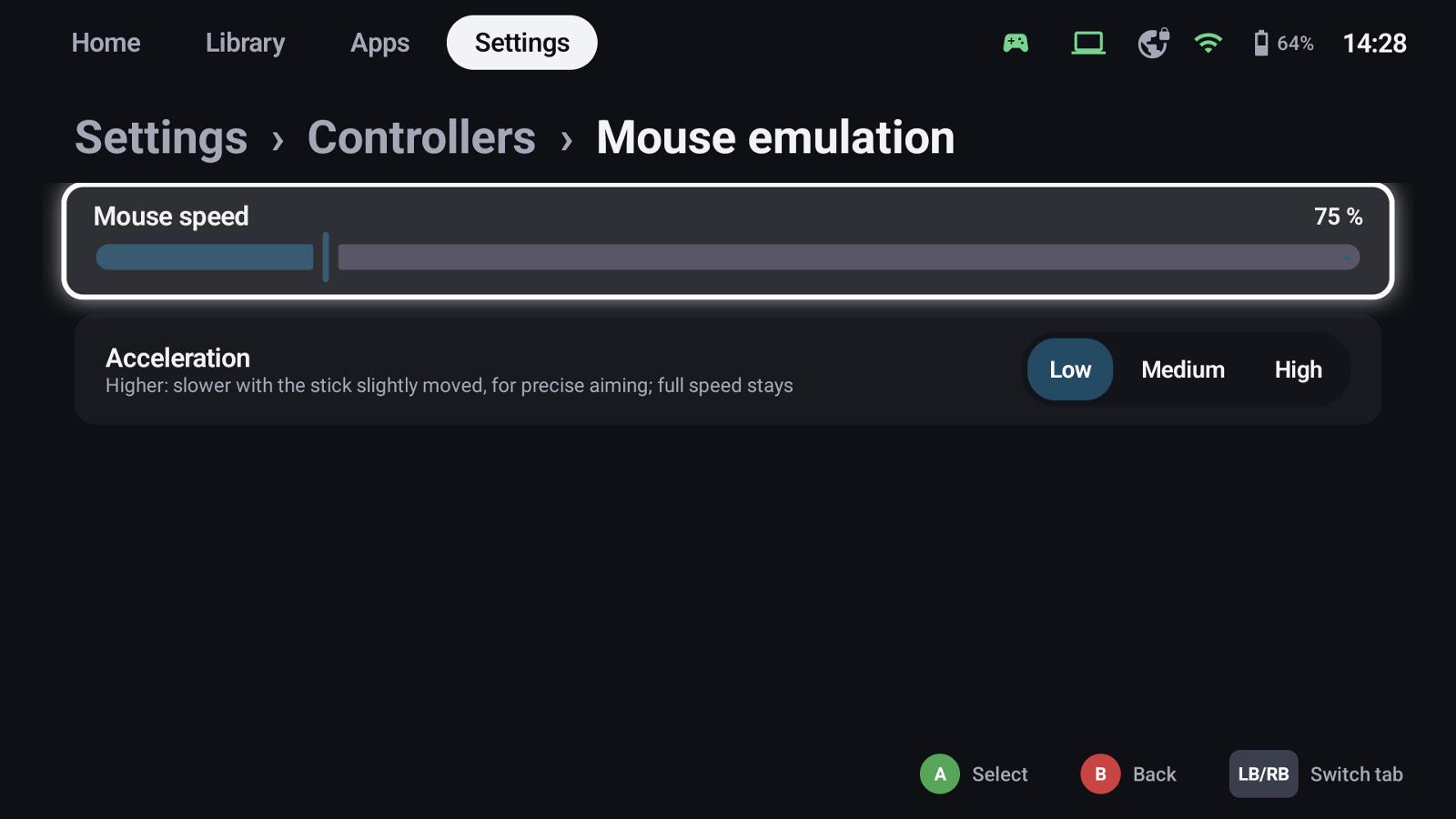
Settings → Controllers → Mouse emulation:
- Mouse speed in percent of the default
- Acceleration: higher values move slower while the stick is only slightly moved, for precise aiming; full speed stays the same
The pointer uses at least a 15 % dead zone, so it doesn't drift with worn sticks.
See also
- Controllers & shortcuts – the mouse shortcut
- Quick menu – mouse in the running stream