Streaming
GameLodge streams games from PCs running Sunshine, Apollo or Vibepollo. The streaming client is built in: Artemis on Android, Moonlight on Windows – you never leave GameLodge's interface.
| Page | What it covers |
|---|---|
| Hosts & pairing | Finding and pairing hosts, wake-up, sleep, host actions, Apollo & Vibepollo permissions |
| Stream profiles | Resolution, frame rate, bitrate, HDR, per-launch profiles |
| VPN (WireGuard) | Streaming away from home, Android only |
Setting up the PC you stream from – its games on Vibepollo, Apollo or Sunshine, and pairing your devices with it – is under Your PC as host. Controllers and the quick menu in a stream are under Controls.
Starting a stream
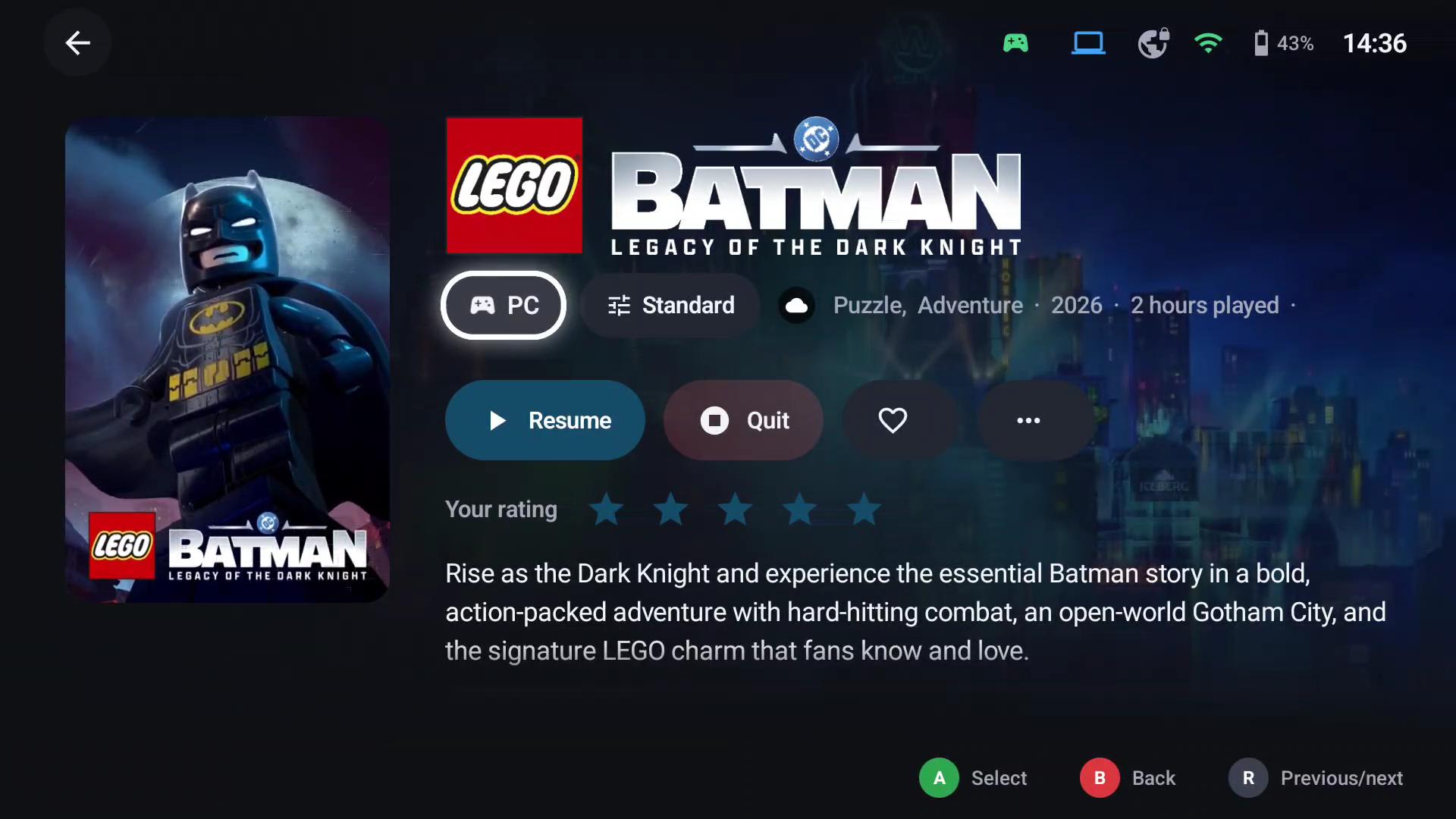
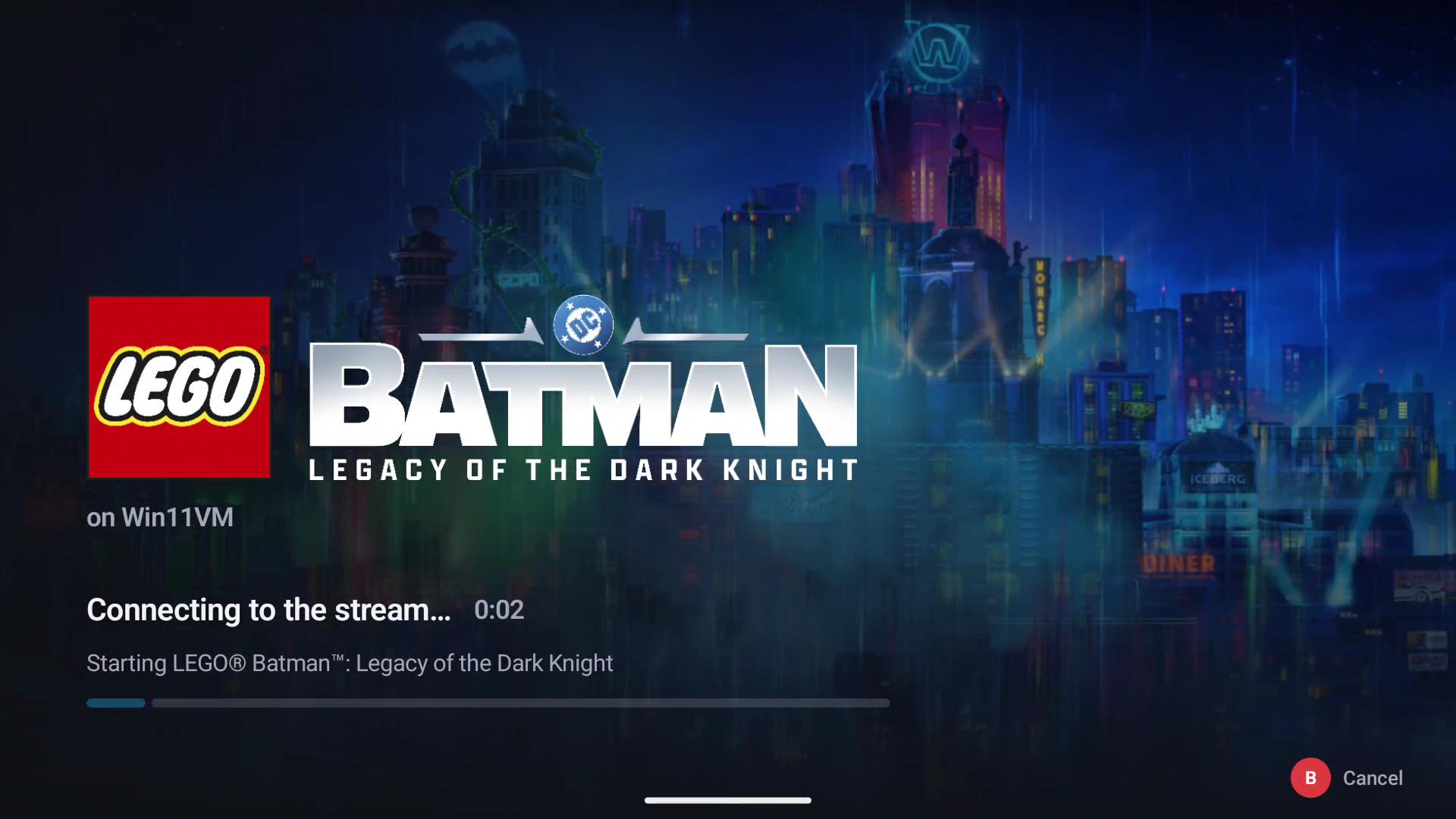
Select a host game and press A (or Play on its details page). GameLodge
- wakes the host if it's offline (and connects the VPN first if needed),
- starts the game with the active stream profile,
- attaches your controllers in player order,
- measures the play time and runs your Home Assistant game actions.
Back to GameLodge (Guide) leaves the stream running in the background; selecting the game again resumes it. The quick menu's Running tab resumes or quits it.