Play time & statistics
GameLodge counts the time you play every game and app and shows it on the tiles, the details page and in the statistics.
Where play time comes from
| Source | Counts |
|---|---|
| GameLodge itself | Everything you start from GameLodge: local games, ROMs, streams |
| Android usage data | Also apps and games started outside GameLodge (needs usage access) |
| Your GameLodge host | The sessions of all your devices for the host's games |
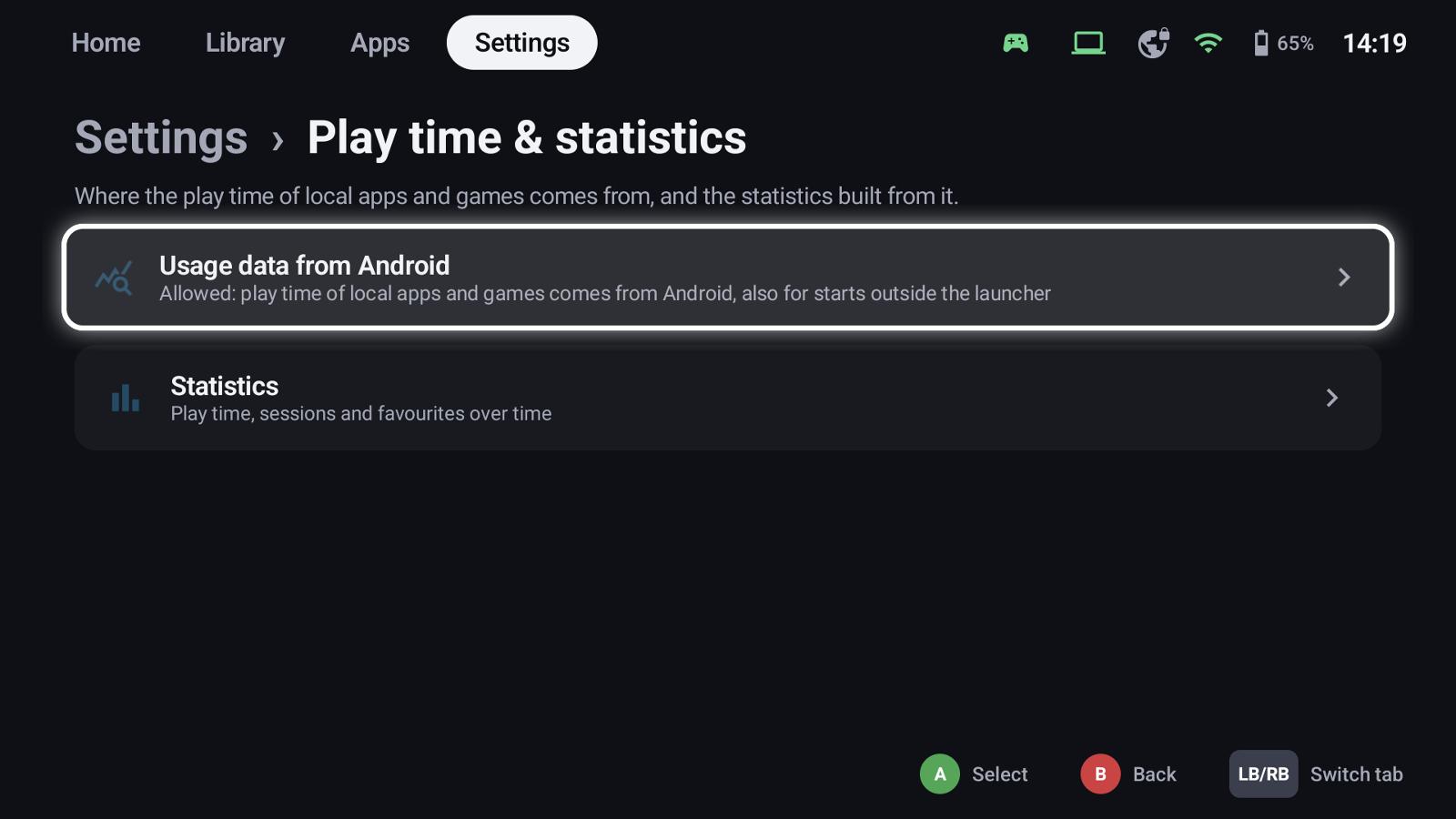
Settings → Play time & statistics → Usage data from Android allows usage access. Without it GameLodge only measures what it starts itself.
Shared between devices
With a GameLodge host (the Windows app as host), every device sends its sessions of the host's games to the host and reads the others' – so the handheld, the tablet and the PC all show the same total, and sessions recorded offline are sent later. Ratings, favourites, hidden flags and groups travel the same way.
Statistics
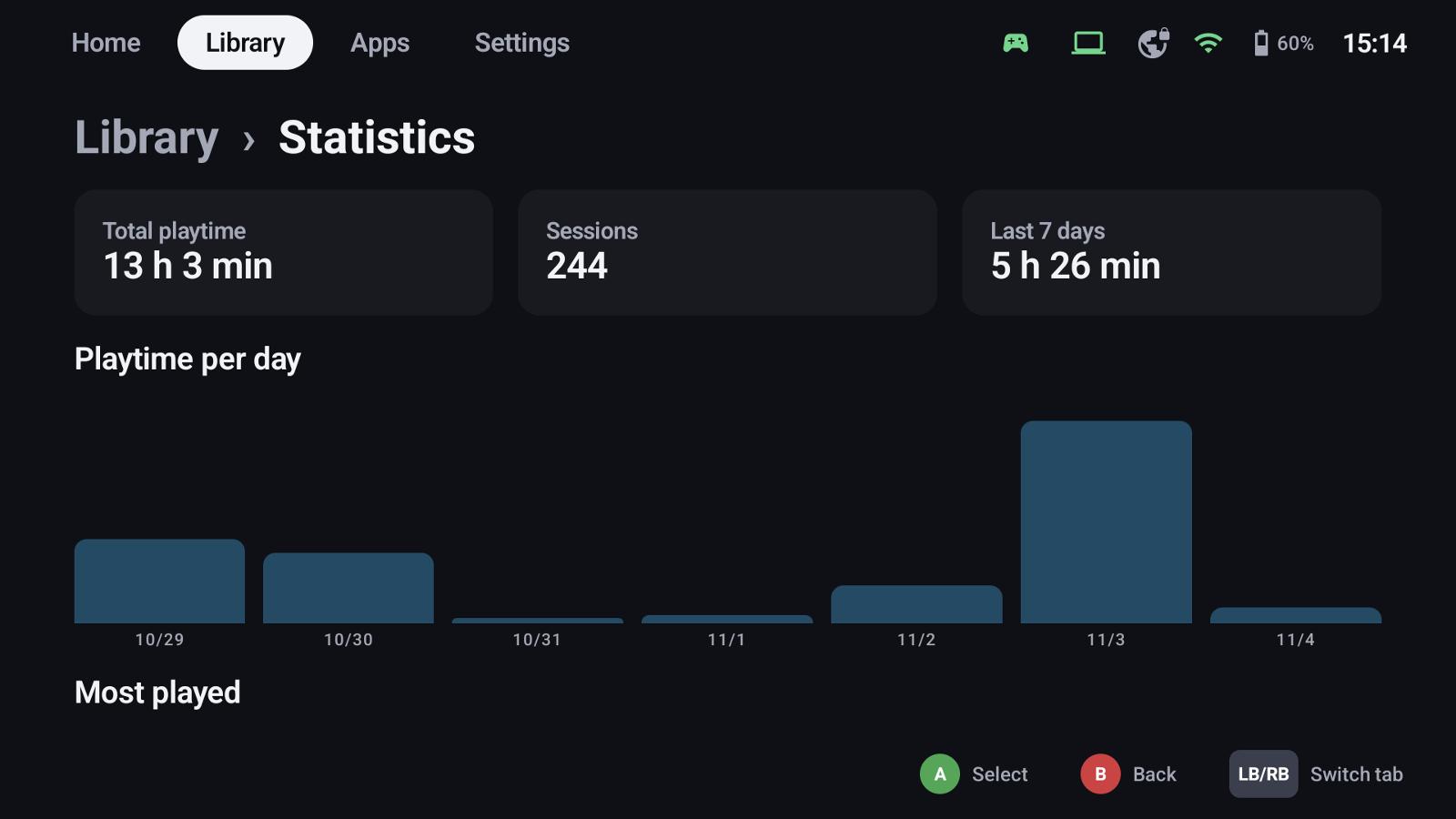
Settings → Play time & statistics → Statistics shows:
- total play time, number of sessions and the last 7 days,
- play time per day,
- your most played games and apps, and your recent sessions.
The details page of a game shows its play time and when you played it last; tiles can show it as extra info (Library tab settings → Extra info).
See also
- Your PC as host – play time shared between devices
- Home Assistant – play time and running game via MQTT
- Backup & restore